Getting started
Open Warsha and find your way around the projects home.
-
Your projects home
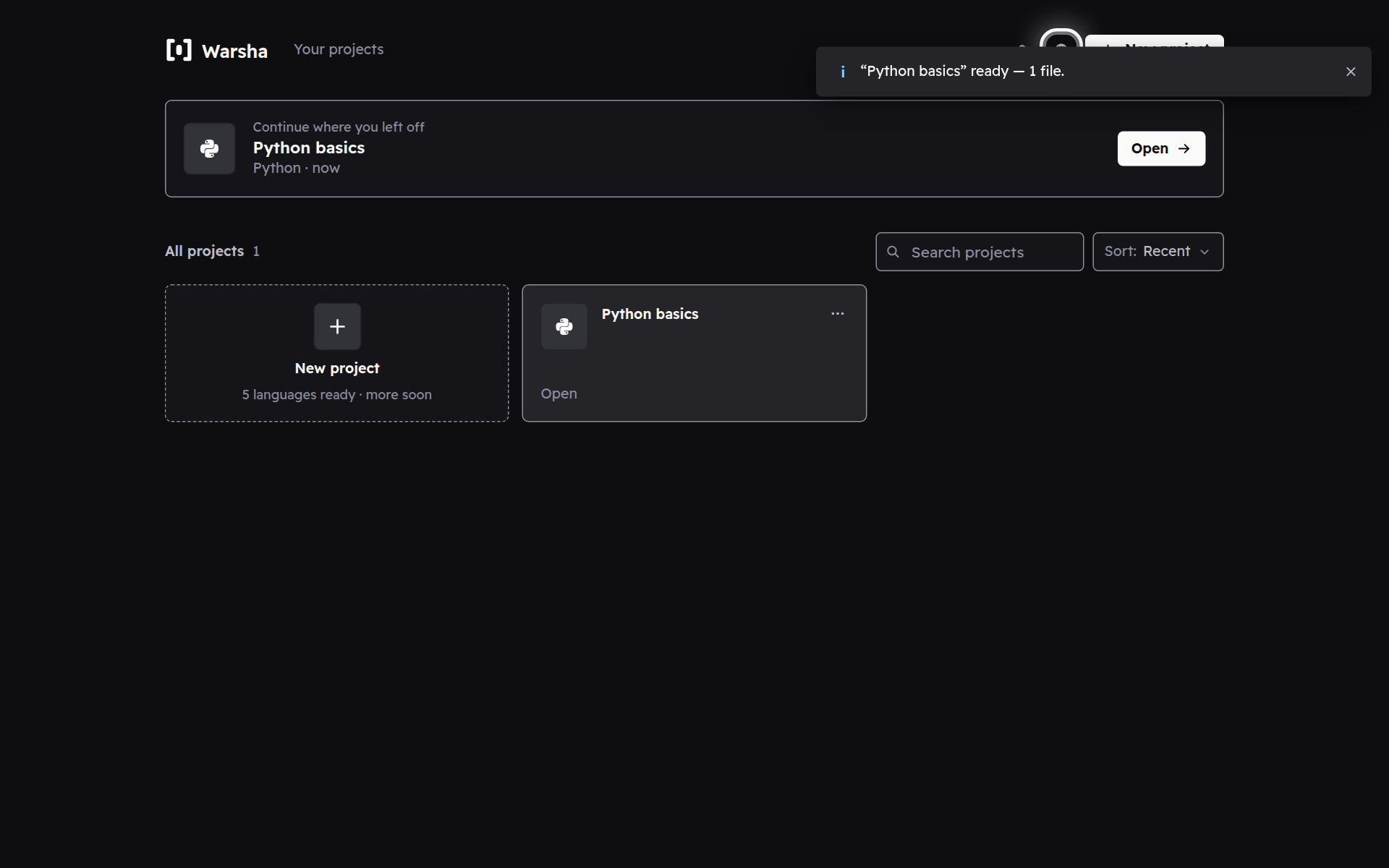
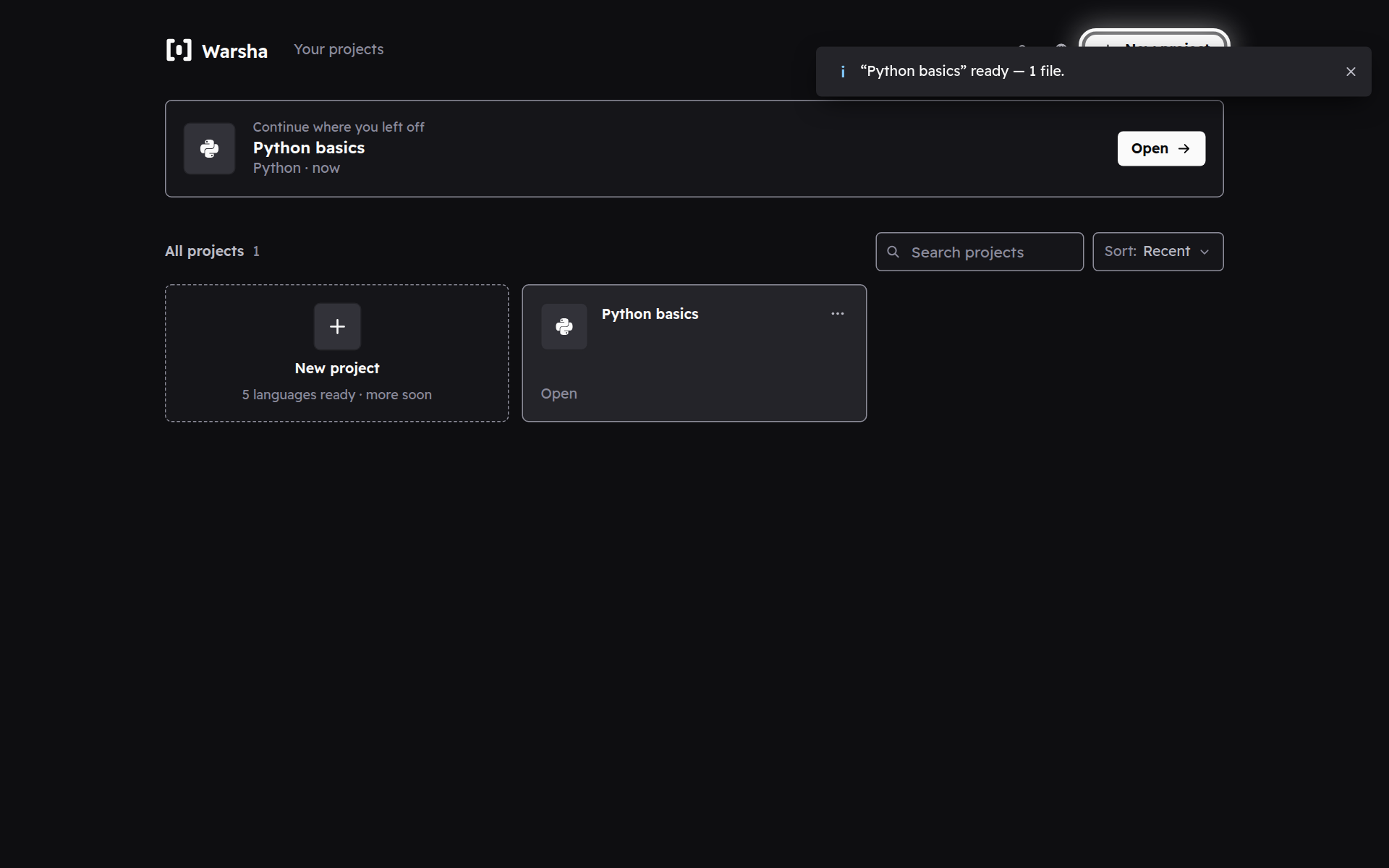
Every time you open Warsha you land here — a grid of your projects. Nothing you make is uploaded anywhere; it all stays on this device.
-
Pick up where you left off
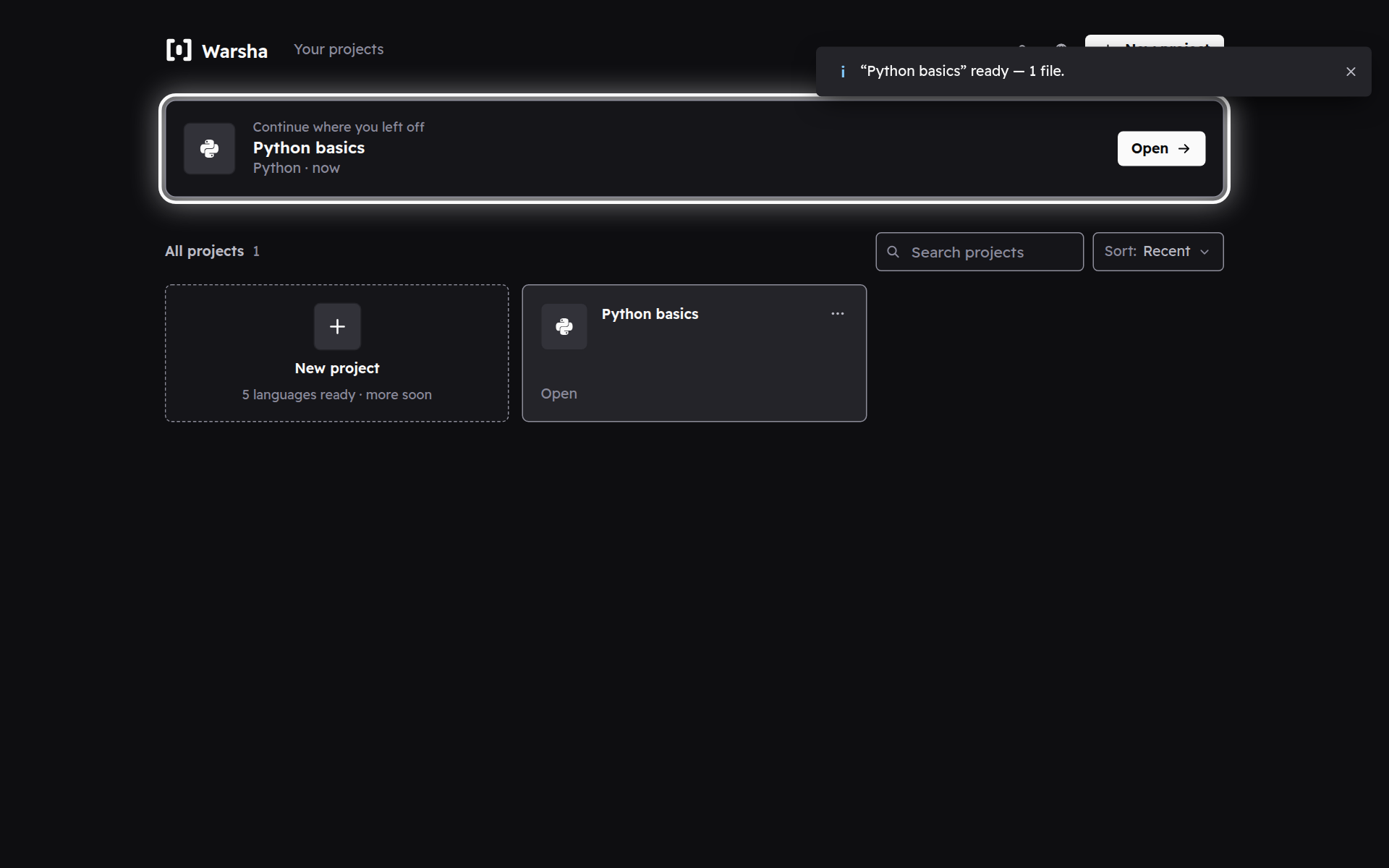
The project you touched last sits on top as a Continue card. Tap it to reopen it exactly as you left it.
-
Arabic or English
The globe switches the whole interface between Arabic and English. Your code and its output stay exactly as you wrote them.