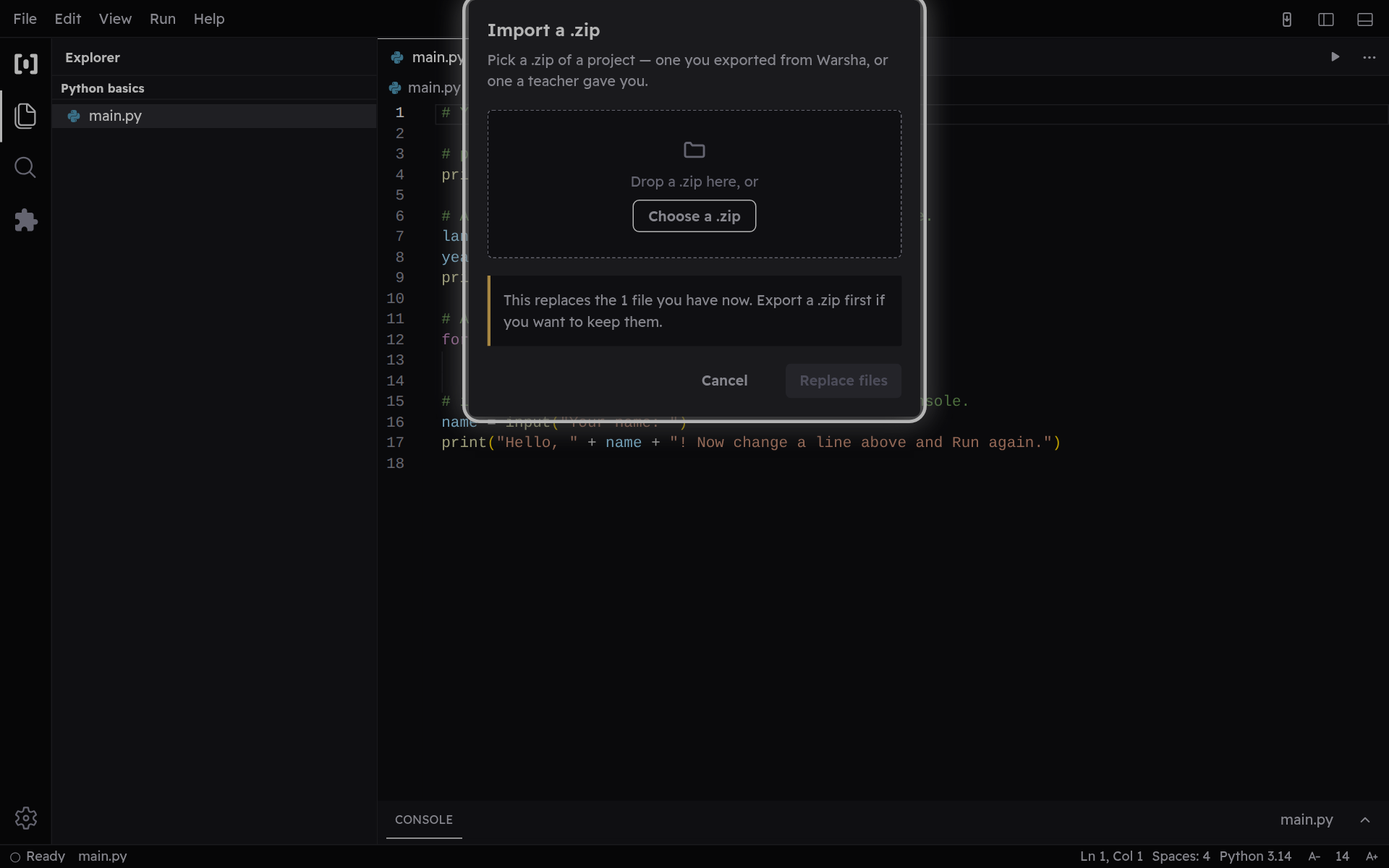
Import a project
Bring in loose files, a whole folder, or a .zip — from this device or one a teacher shared.
-
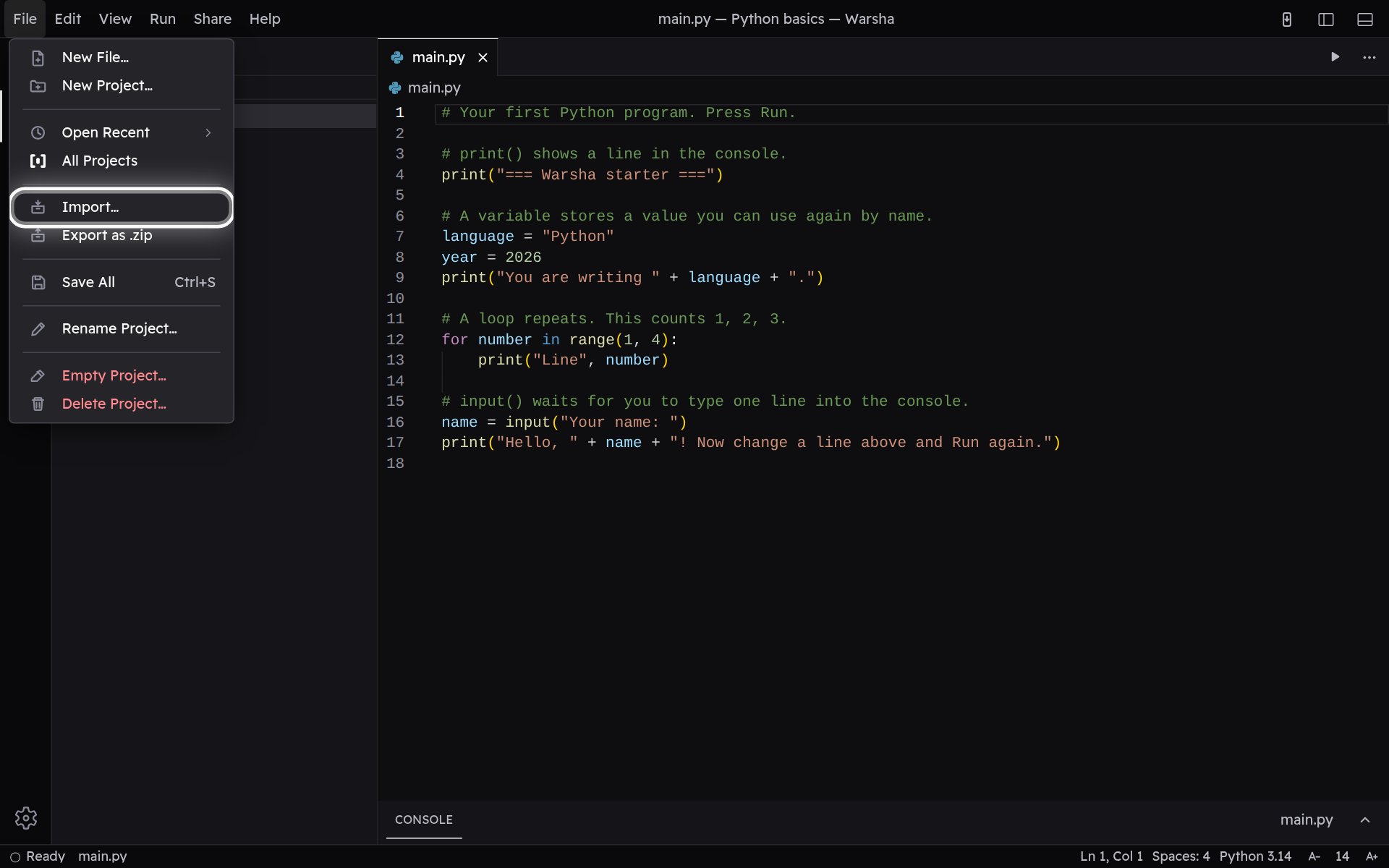
File → Import
Open the File menu and choose Import. This is how work made on another device — or handed out by a teacher — comes into Warsha. New Project offers the same Import beside the starters.
-
Pick files, and they open
Choose files or a folder from your device — or drop them onto the dialog, a .zip included. Warsha shows you what is inside, then opens it. Import from New Project starts a fresh project and leaves your others untouched.