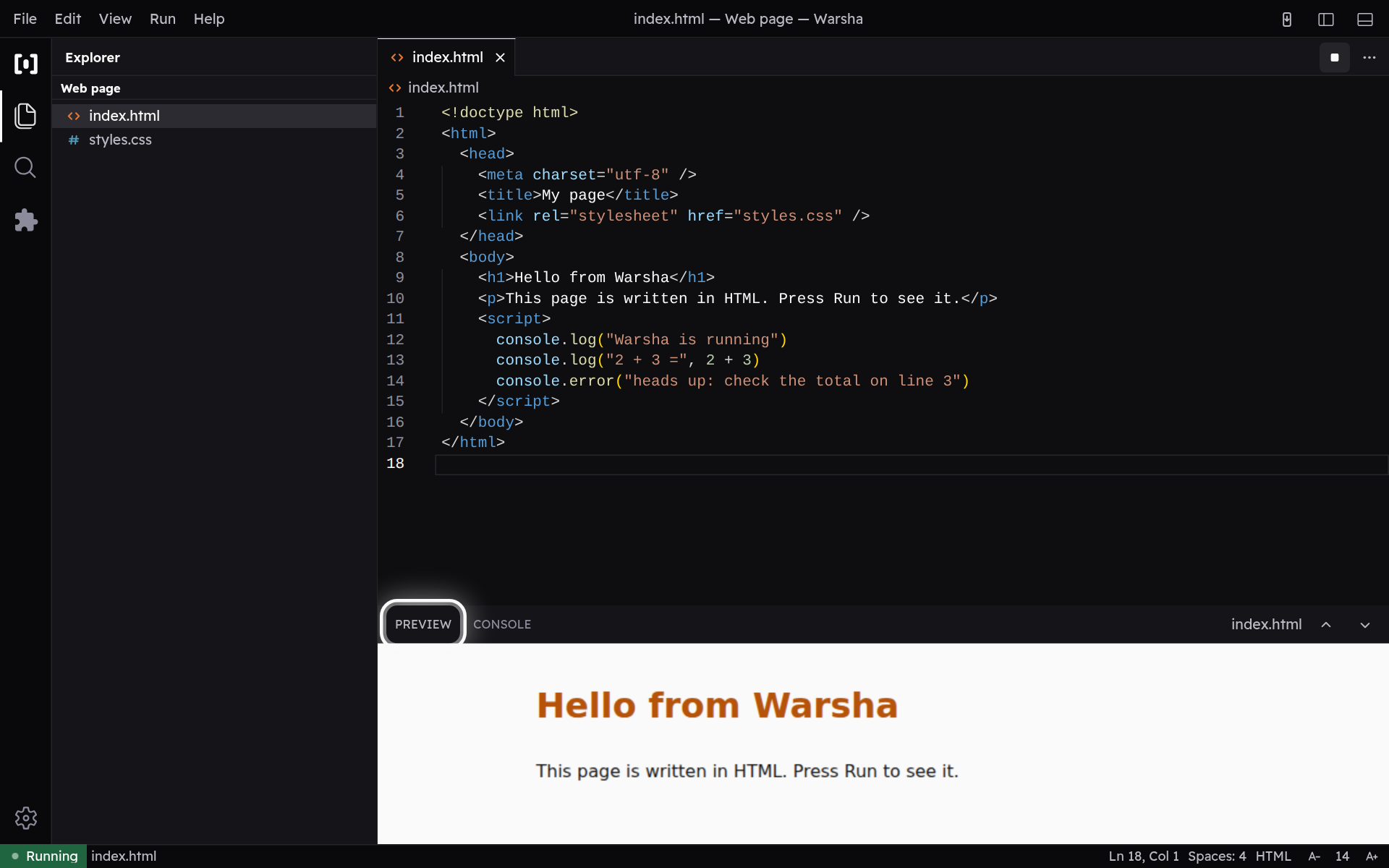
Preview a web page
A Web project (HTML, CSS, JavaScript) renders live in the preview — nothing to download.
-
Your page, live
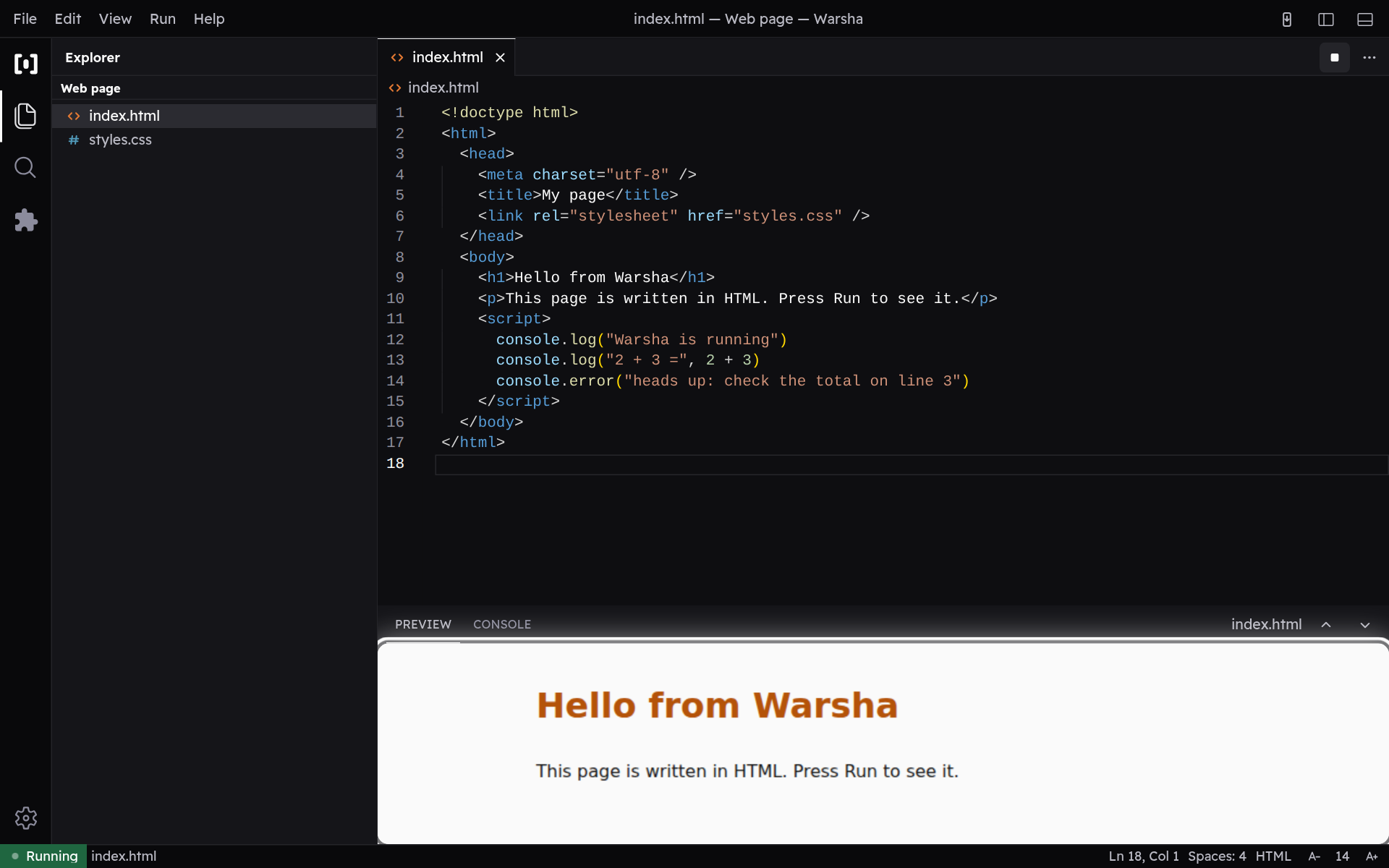
A Web project renders as a real page in the preview, beside the console. Plain HTML, CSS and JavaScript need nothing downloaded — run it again and the preview updates to match your latest code.
-
Switch to the console
Use the Preview and Console tabs to switch between your page and its output. Anything you write with console.log, and any errors on the page, land in the Console tab.