Search and quick-open
Find text anywhere in your project, jump to any file, and run any action — all from the keyboard.
-
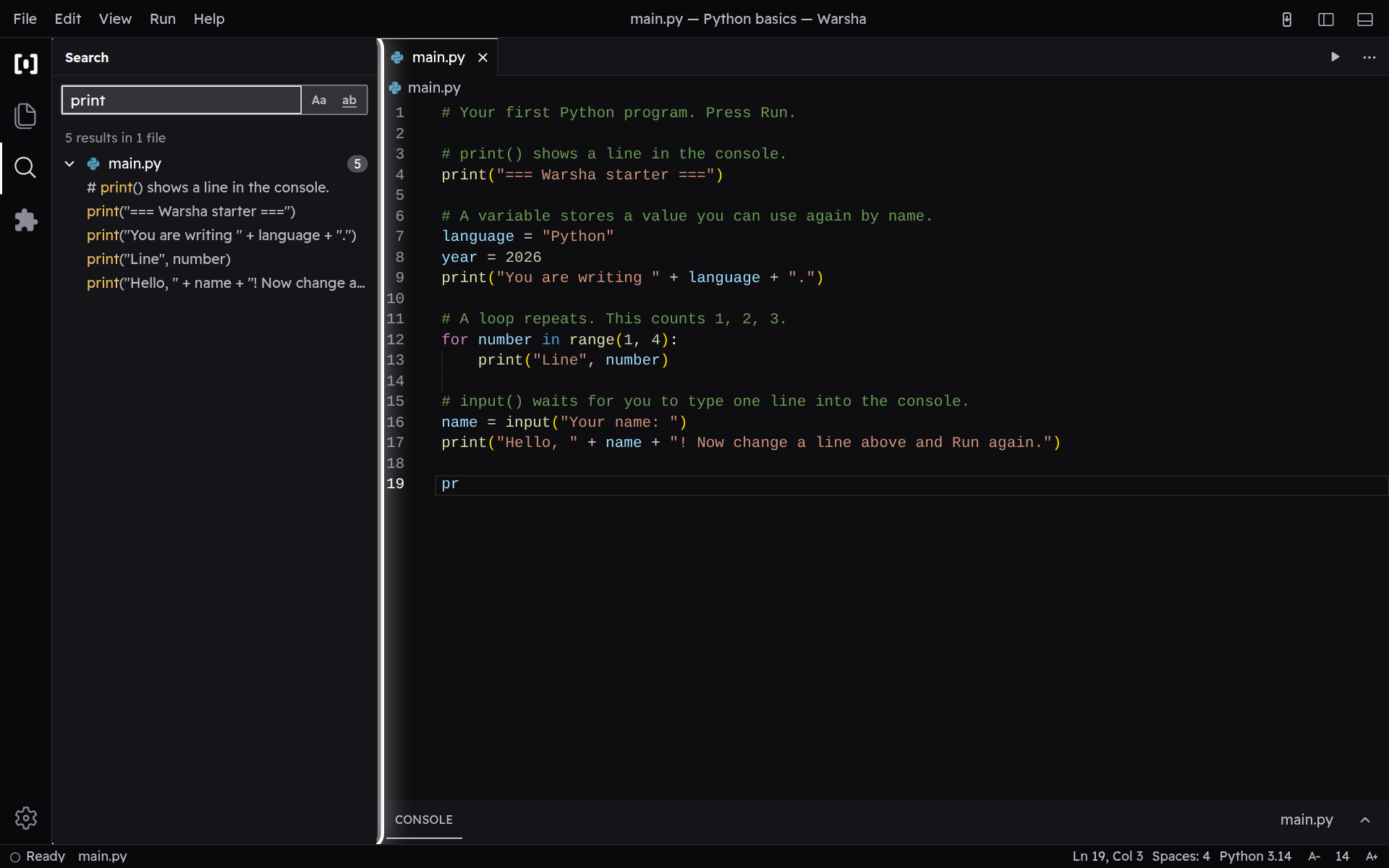
Search across every file
Open Search in the sidebar and type a word; it scans every file in your project at once and lists each place the word appears. Tap a result to jump straight to that line in the editor.
-
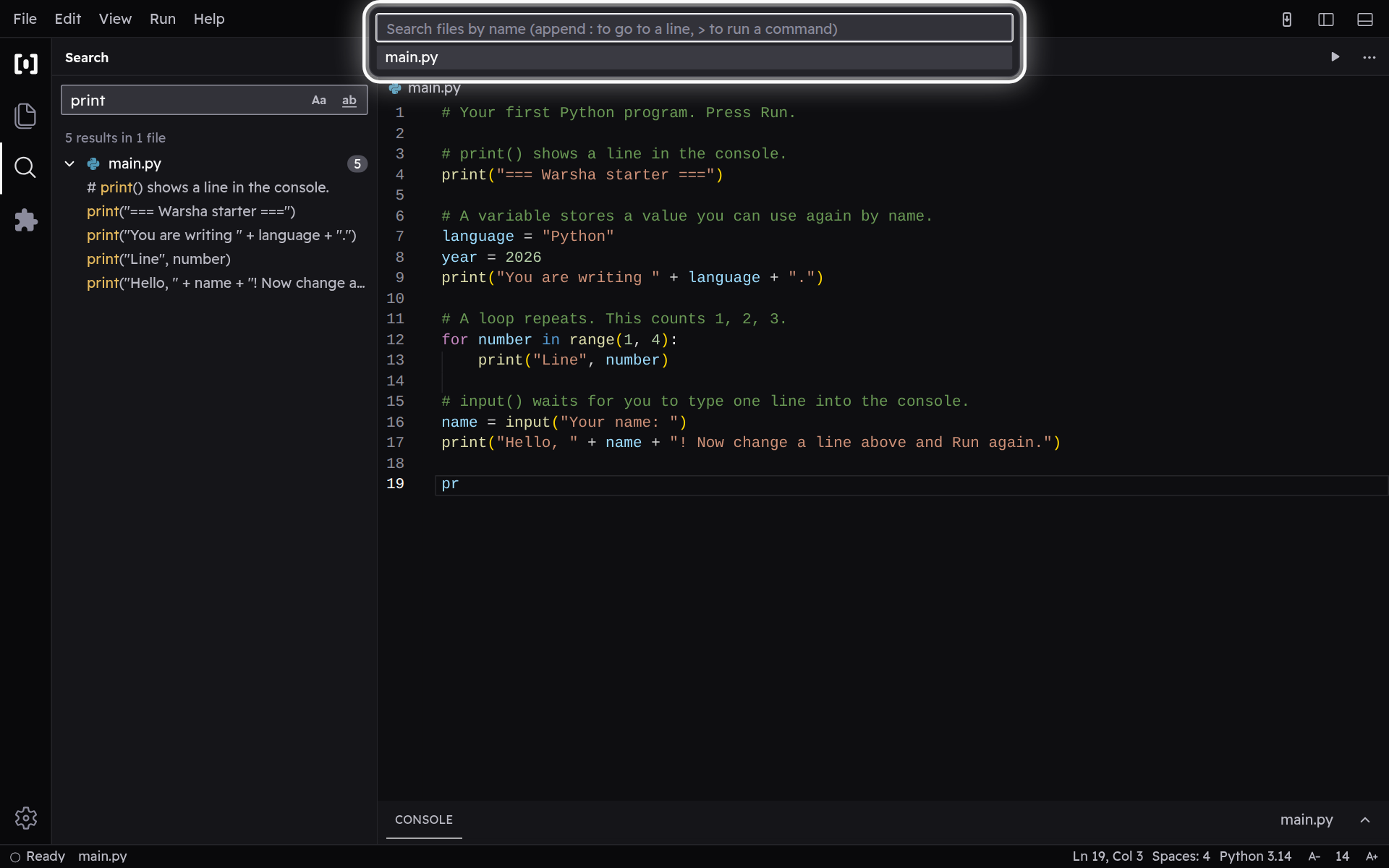
Quick-open a file by name
Press Ctrl+P and type a few letters from a file's name — even letters scattered through it — and the closest matches rise to the top. Press Enter to open the highlighted one.
-
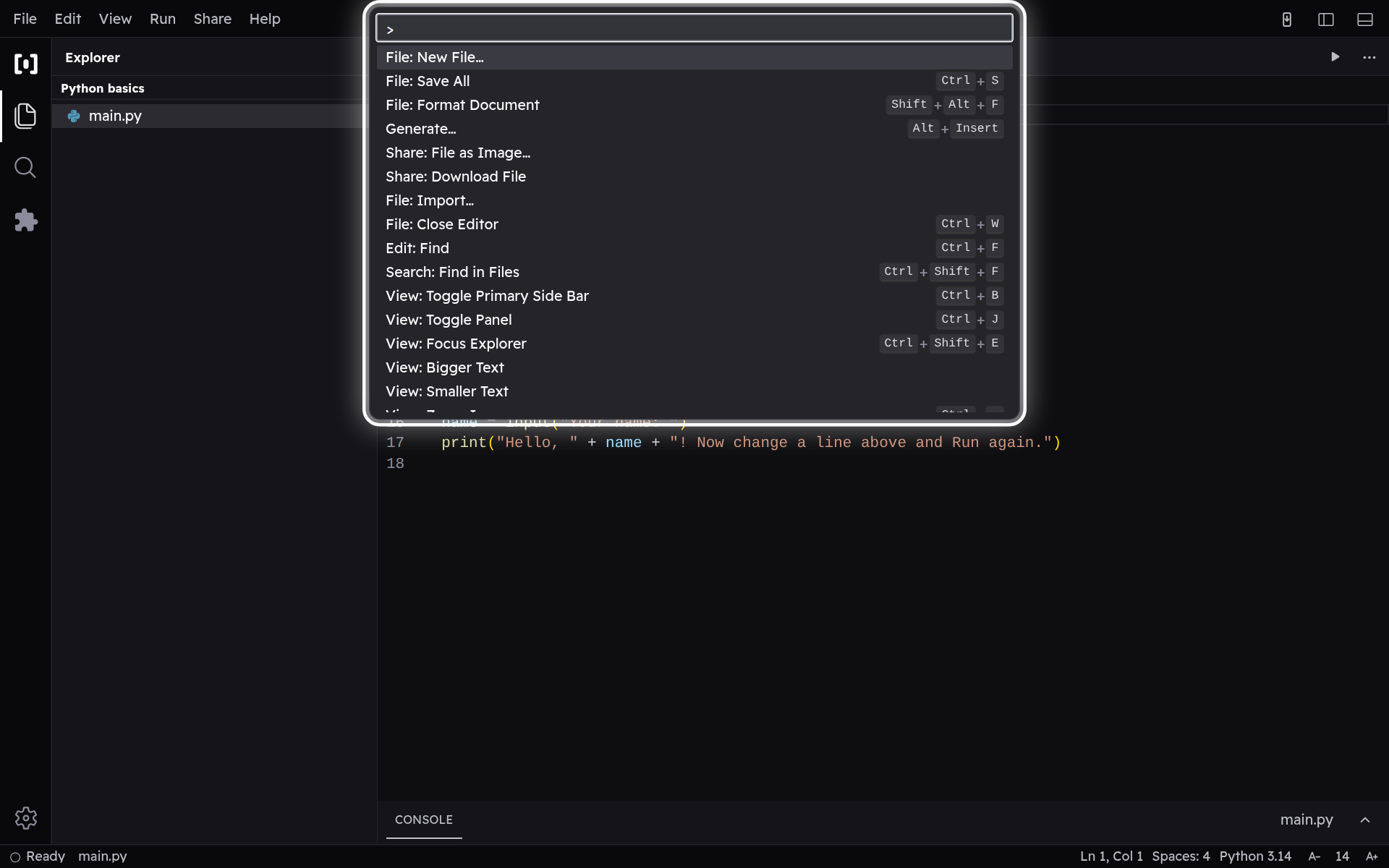
Run any action by name
Press Ctrl+Shift+P to open the command palette, then type what you want to do — Run, Share, toggle the console — and pick it from the list. You never have to hunt for the action in a menu.