Share and export your work
Take your project to another device or hand it in — as a file, a link, an image, or a PDF, all without an account.
-
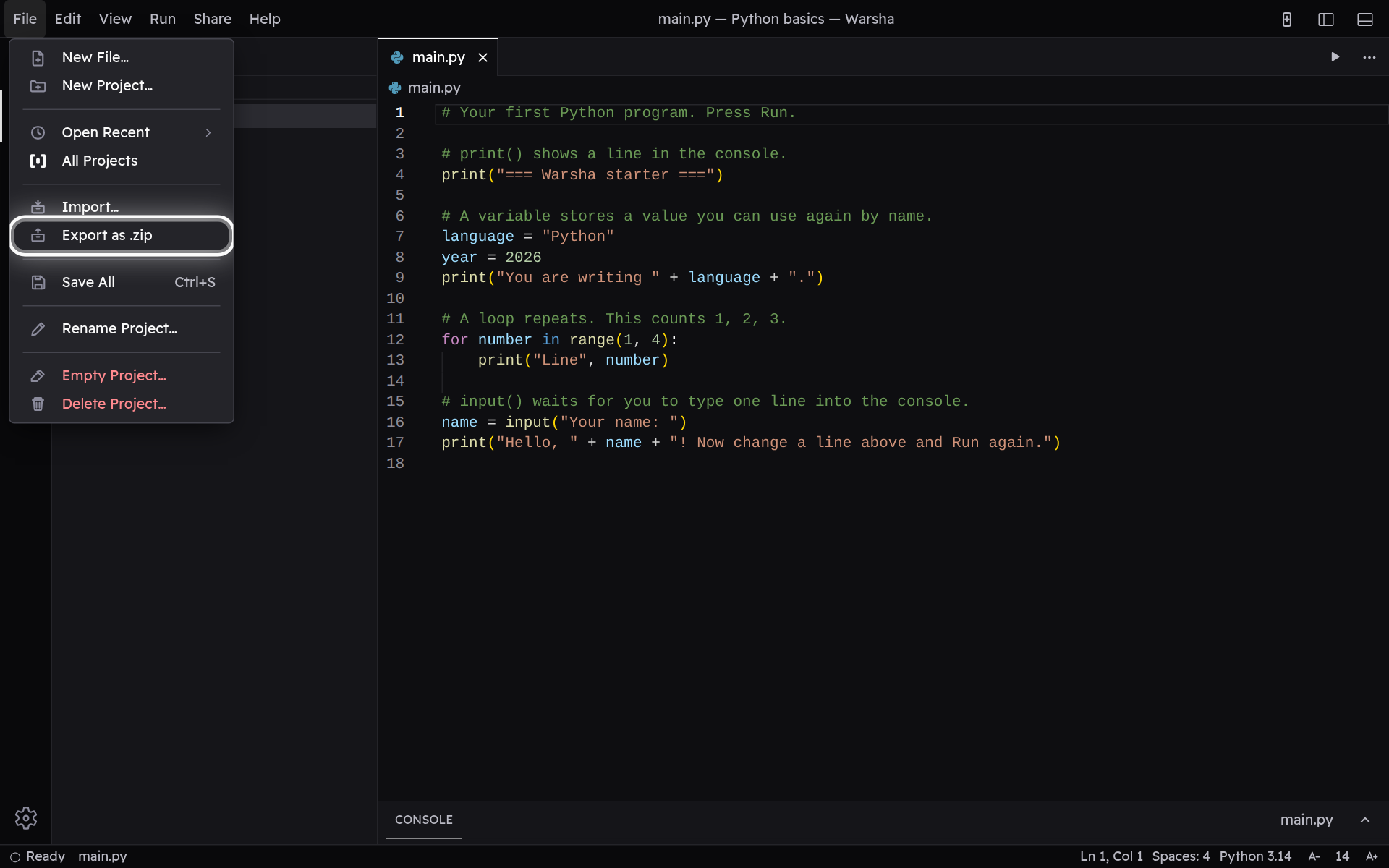
Export the project as a .zip
In the File menu, choose Export as .zip to save the whole project as a single file on your device. Carry it to another computer or hand it in, and open it again anytime with Import, right above it.
-
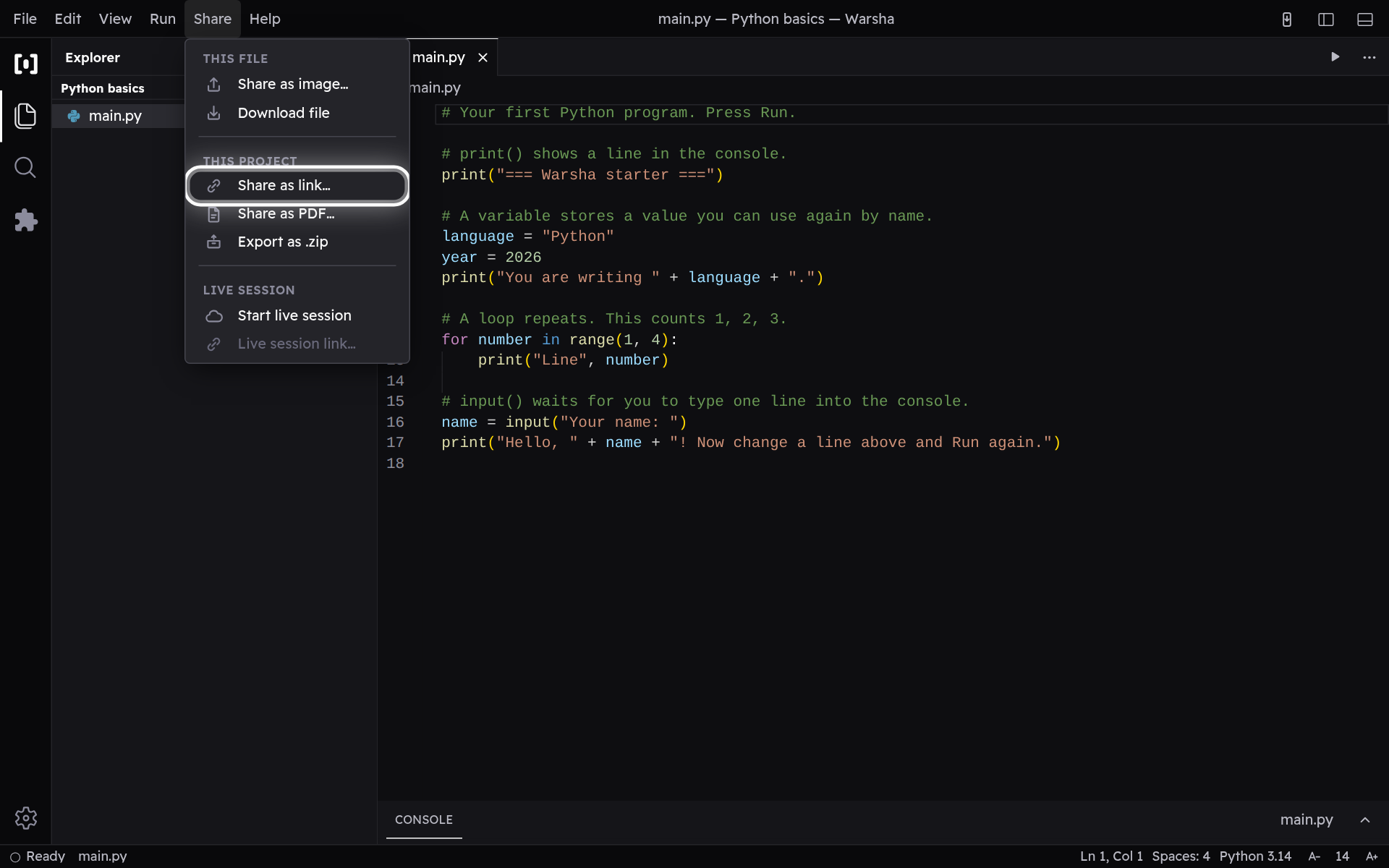
Share a link to the project
Every way of sending your work lives in the Share menu, under a heading that says what each row acts on. Share as link, under This project, folds the whole project into a link you can send in a chat. Whoever opens it gets their own copy to edit — still with no account, and nothing ever travels through a server.
-
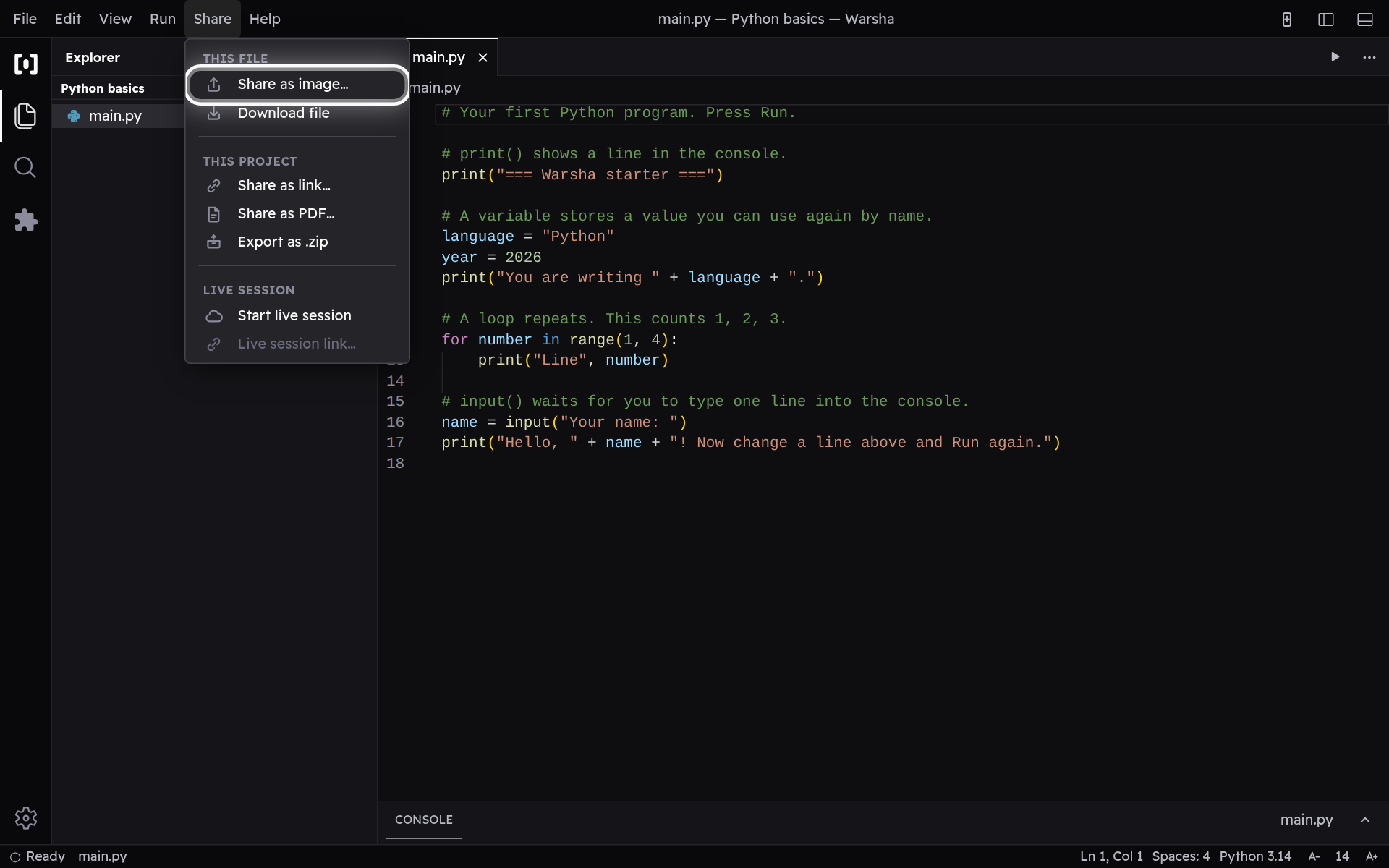
Share as an image or PDF
Share as image, under This file, turns the file you're viewing into a clean picture of the code you can post anywhere — it is also on the ⋯ button beside the file, with everything else that acts on it. For the whole project, Share as PDF lays every file out as one document to read or print.