Read output and type input
See what your program prints, spot problems it reports, and answer it when it asks.
-
Output, and answering back
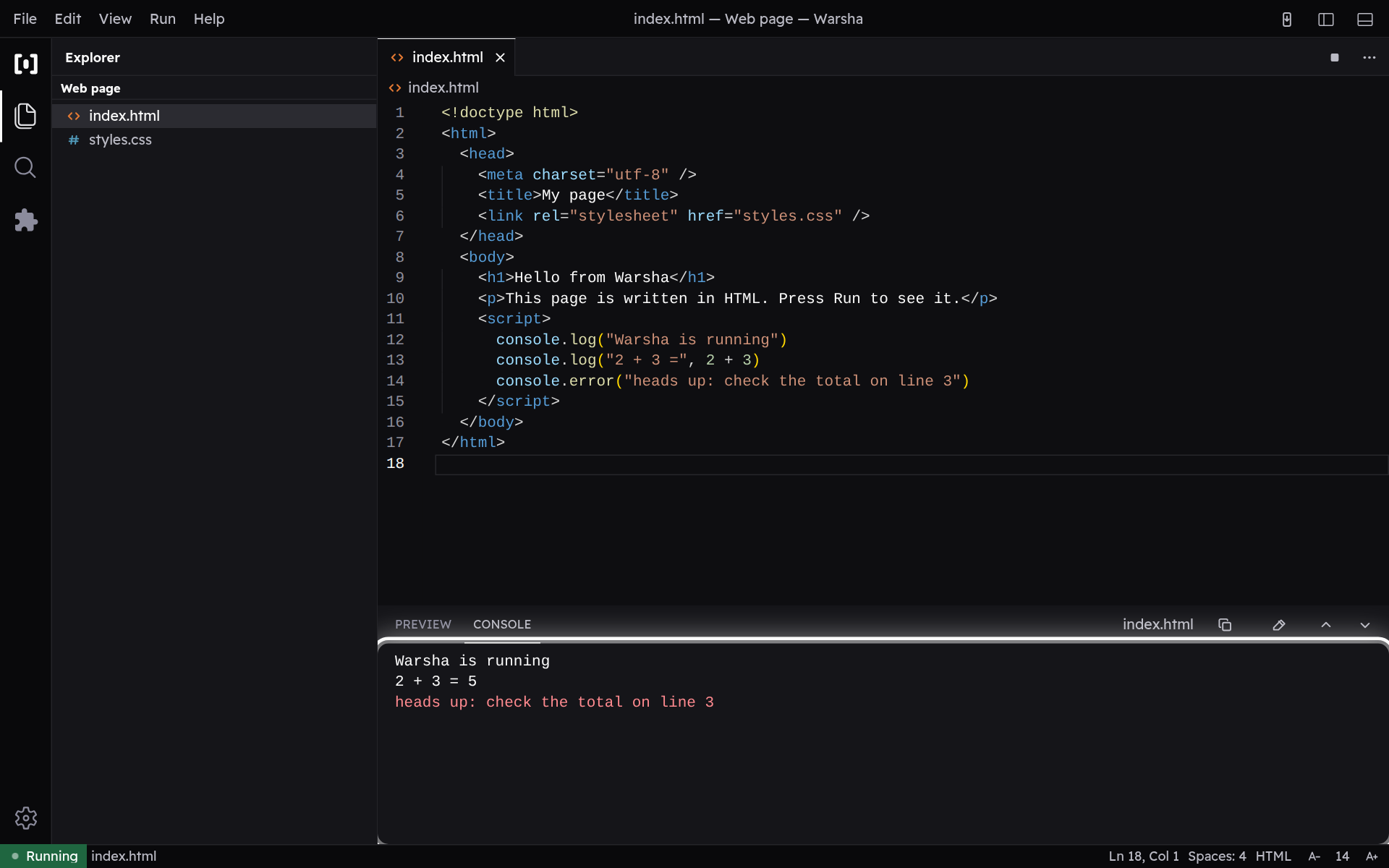
The console shows everything your program prints (stdout); a problem it reports appears in red (stderr). When the program asks for input (Python input(), Java Scanner), type your answer on the same line as the prompt and press Enter.
-
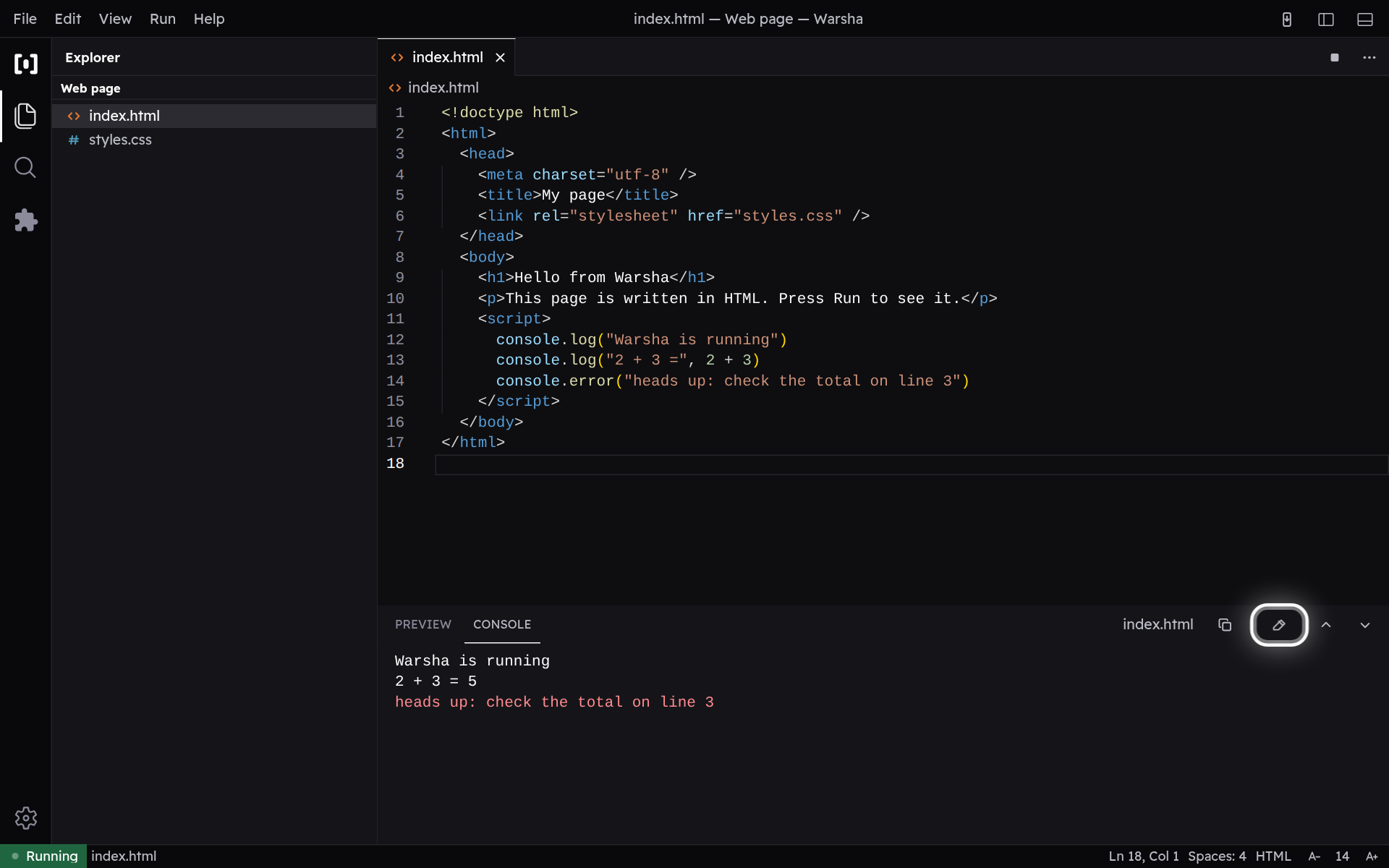
Clear or copy the output
From the console actions you can copy the whole transcript to paste elsewhere, or clear it to start fresh. Clearing only empties the view; your next run fills it again.