Manage files and folders
Create, rename, move, and delete the files and folders in your project.
-
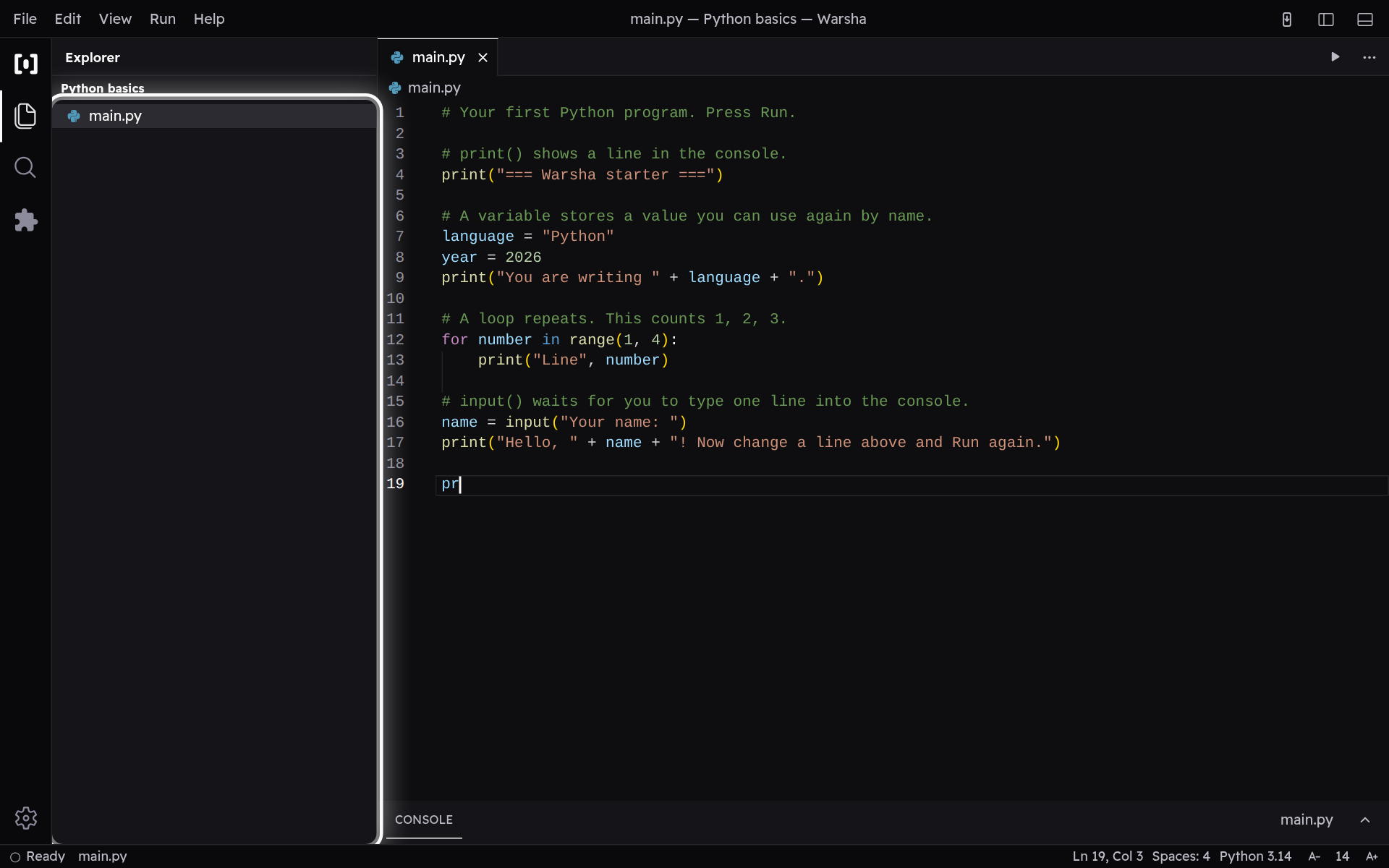
The Explorer
The Explorer lists every file and folder in your project as a tree. Tap any file to open it in the editor.
-
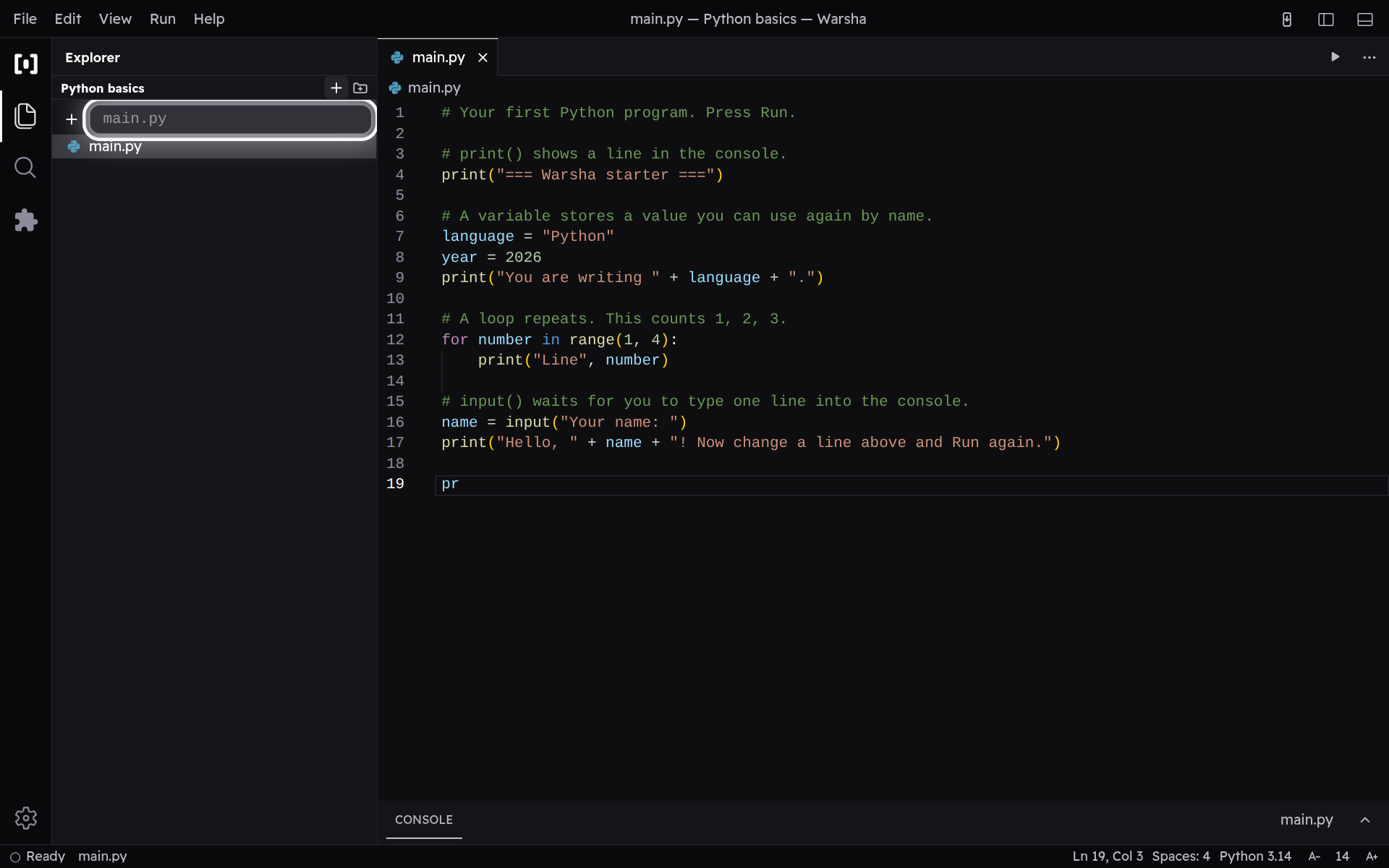
Create a file
Use New file, type a name that ends with its extension — like main.py — and the new file opens, ready for your code.
-
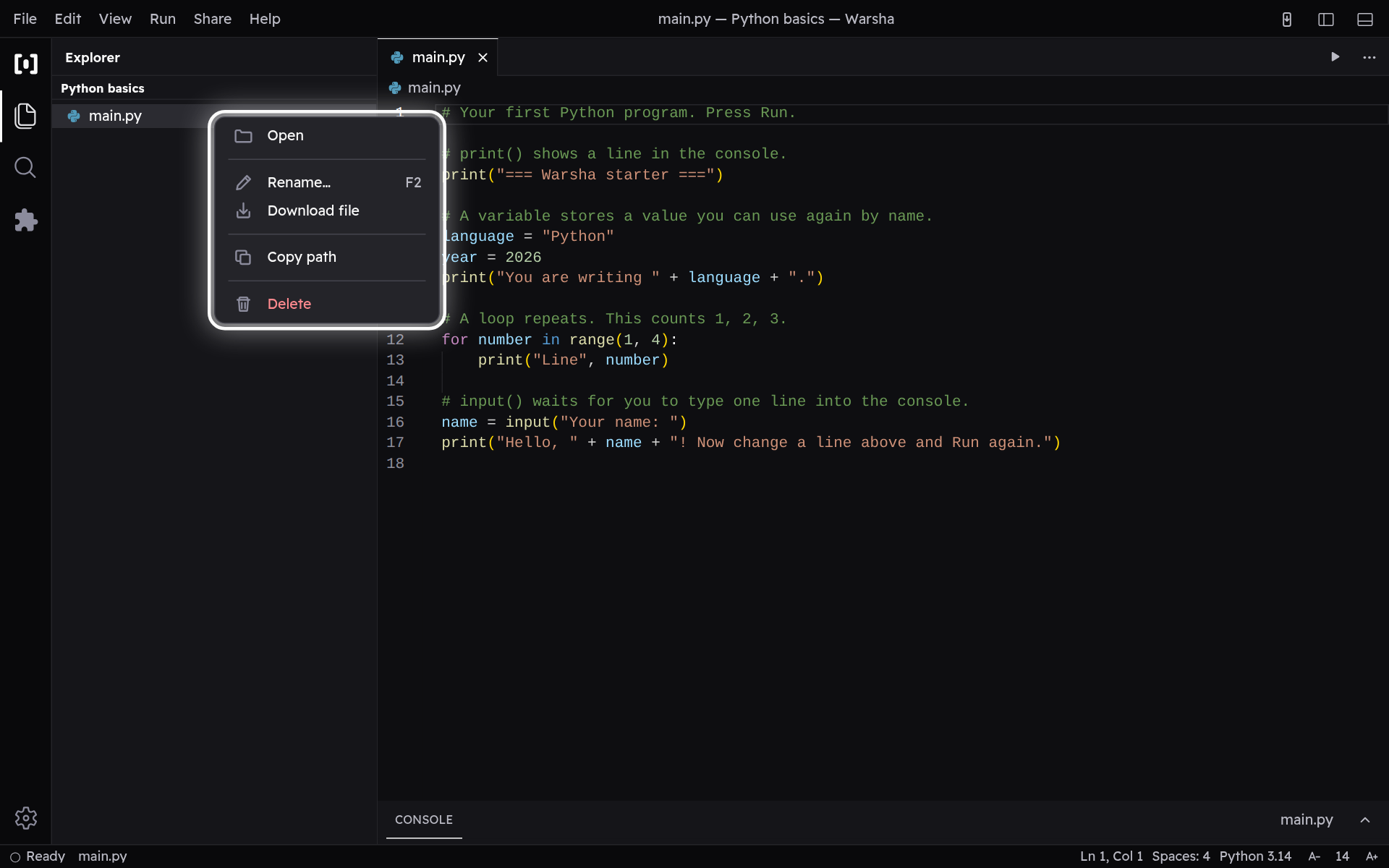
Each file's own menu
Every file has a menu to rename, download, or delete it. You can also drag a file into a folder to move it there.