Run your program
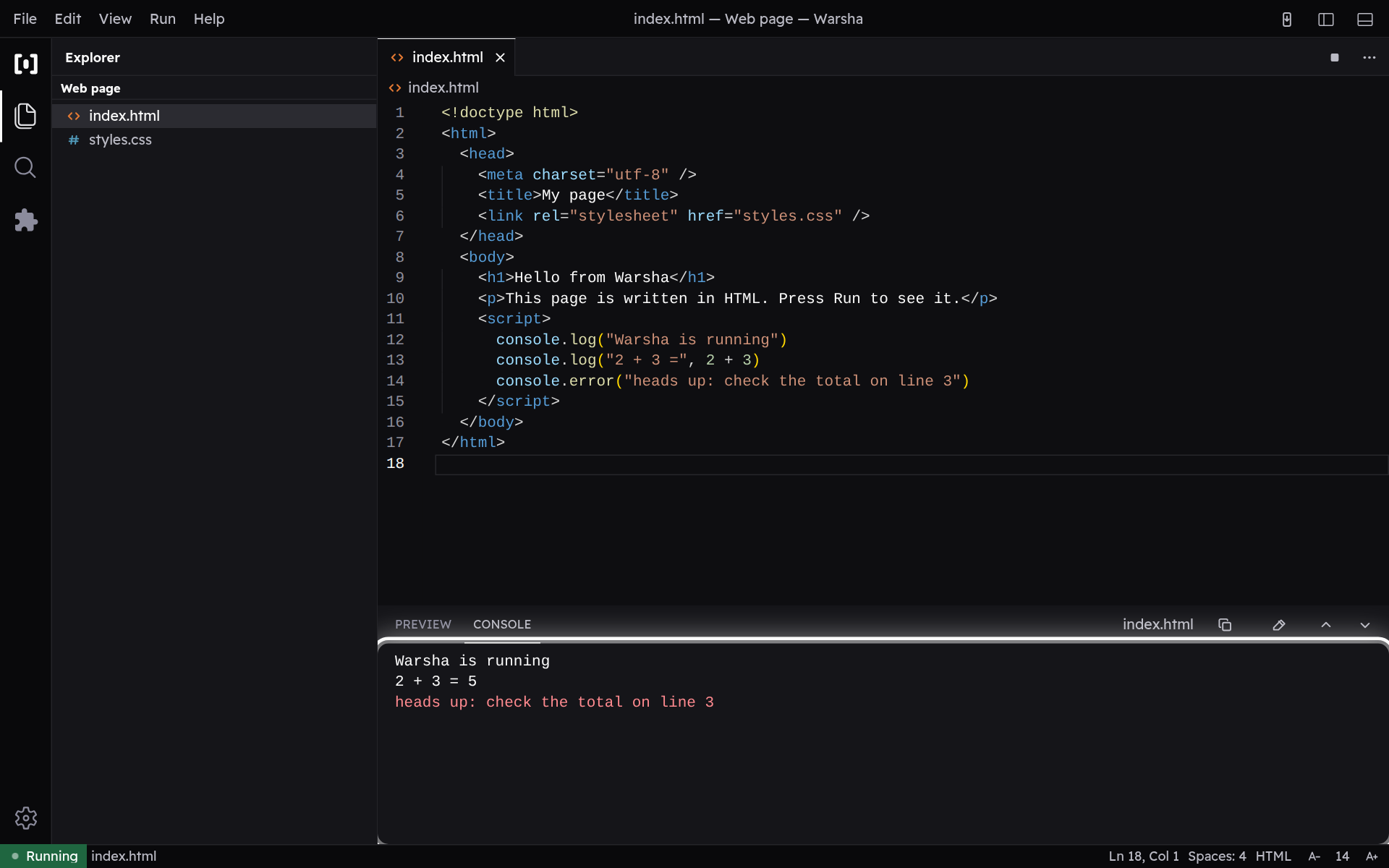
Run the file you are working on and read what your program prints back.
-
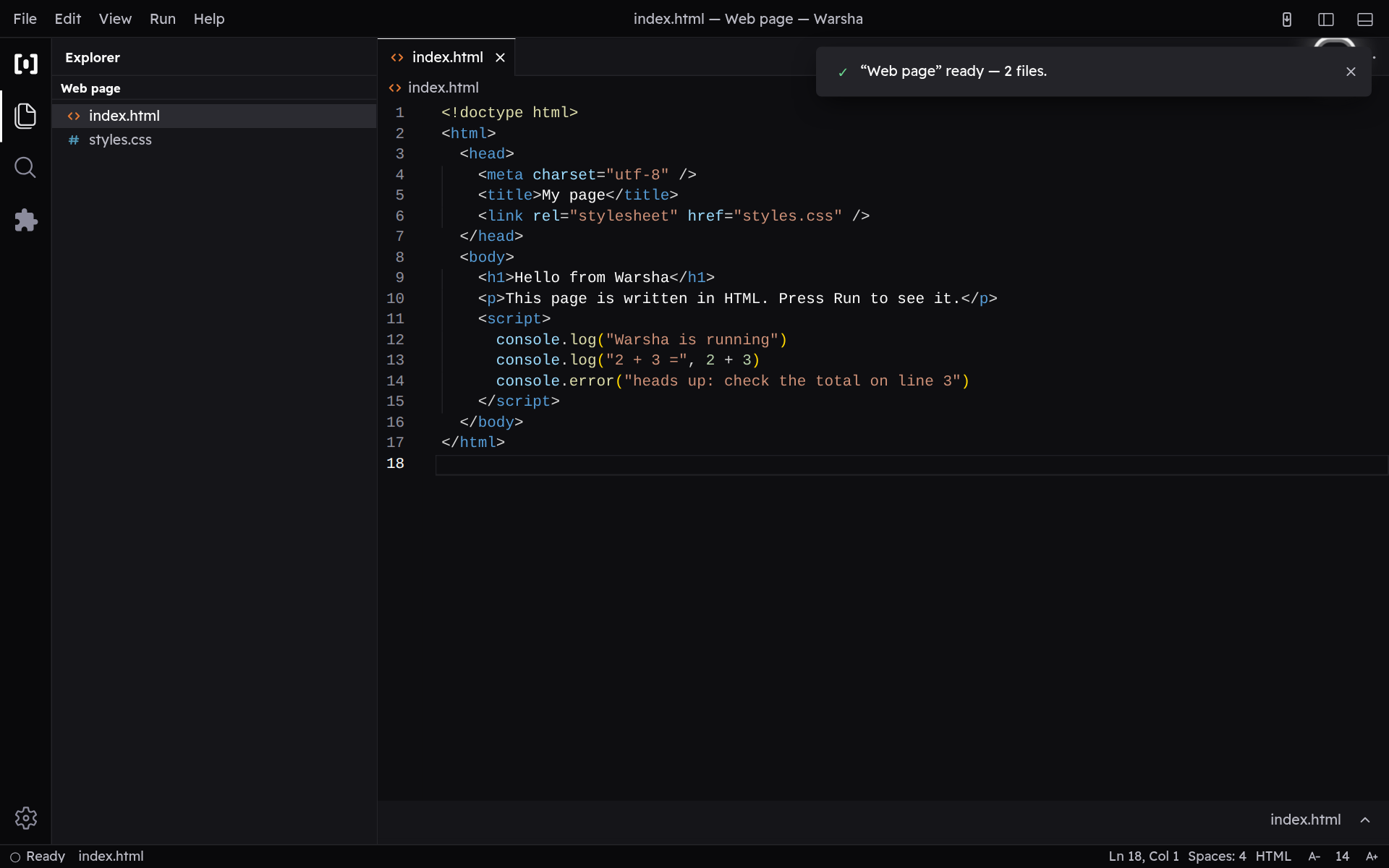
Press Run
Run starts whichever file you are looking at. The first time you run a language, Warsha downloads it once — Python, Java — and after that it starts instantly, even with no internet. If a program runs away with itself, the same button becomes Stop.
-
Read the result
Whatever your program prints appears in the console below. When it finishes you see a line with its exit code; red lines mean something went wrong along the way.